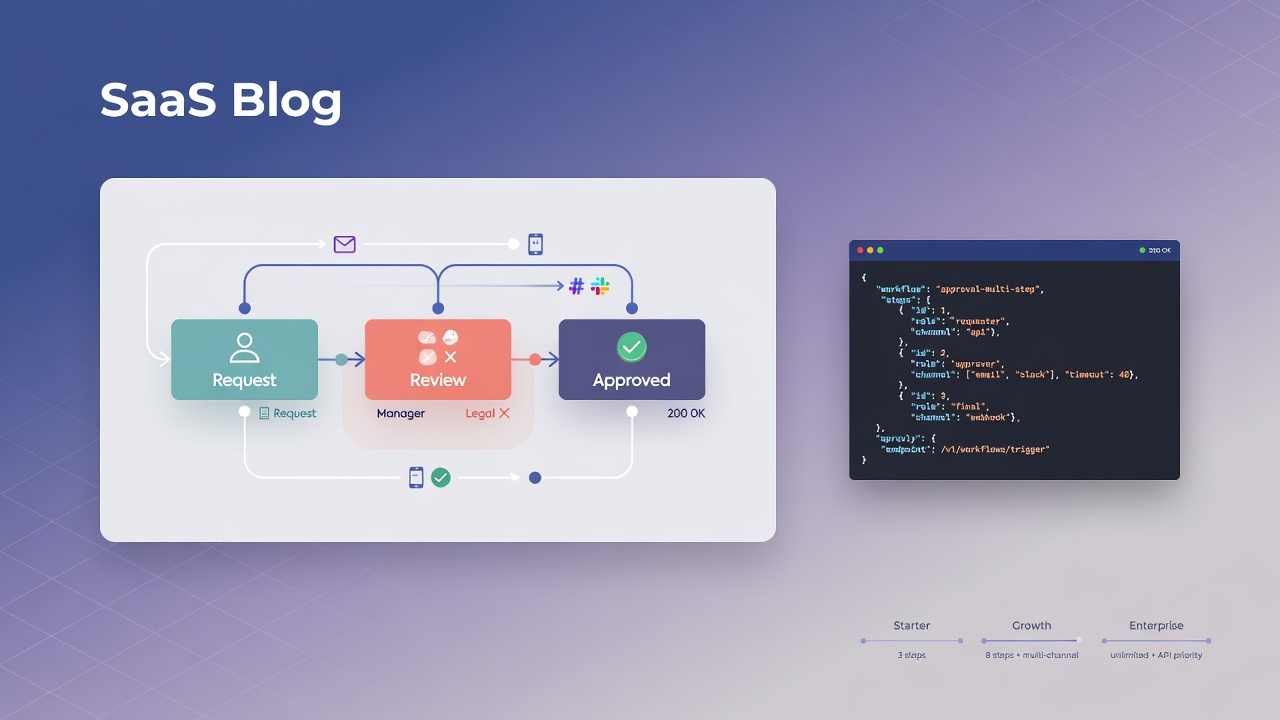
Adding an "approval layer" to the product often seems simple — a table with status pending / approved / rejected. In practice, the scope grows: timeout escalation, notifications across multiple channels, click idempotency, audit trail, return webhooks. This guide shows how to delegate this engine to Apruvly via REST API, without implementing everything from scratch.
The example below covers a common scenario: expenses above a limit go through the manager and then finance; if finance does not respond within 48 hours, the request escalates to the CFO. Workflows with more than one step require the Starter plan or higher ($19/month). On the Free plan you can validate the integration with a single-step workflow.
Prerequisites
- Apruvly account (Free plan: 180 credits/month, no card required).
- API key created at
/api-keysafter login. - Integrations configured in the console for channels other than system email (e.g., Slack at
/integrations).
We recommend validating the JSON before creating the workflow:
curl -X POST https://api.apruvly.io/api/v1/workflow/validate \
  -H "Authorization: Bearer $APRUVLY_KEY" \
  -H "Content-Type: application/json" \
  -d @workflow.json
POST /api/v1/workflow/validate does not consume credits; it only checks syntax and WorkflowConfig rules.
WorkflowConfig Structure
The API does not use a steps array. The configuration follows this format:
| Field | Function |
|---|---|
object |
Title, description, links and tags of the item being approved |
expires |
Maximum workflow deadline (e.g., "72h", between 5 minutes and 7 days) |
start |
Name of the first step |
workflow |
Map of named steps (manager-review, finance-review, …) |
on |
Actions triggered on events (workflow_approved, workflow_rejected, …) |
Each step defines:
type— channel:email,slack,ms-teams,whatsapp,telegram,discord,twilio-sms,twilio-whatsapp,dingtalkdata— channel payload (recipients, subject, body, etc.)minApprovals— approval quorum (default: 1)approved/rejected— next step or workflow terminationescalation— single object withafter,typeanddata(nested chain up to 5 levels)
Step 1 — Create the workflow
curl -X POST https://api.apruvly.io/api/v1/workflow/ \
  -H "Authorization: Bearer $APRUVLY_KEY" \
  -H "Content-Type: application/json" \
  -d '{
  "object": {
    "title": "Despesa #4471 — R$ 7.200 — Viagem cliente São Paulo",
    "description": "Solicitação acima do limite automático; requer gestor e financeiro."
  },
  "expires": "72h",
  "start": "manager-review",
  "workflow": {
    "manager-review": {
      "type": "email",
      "data": {
        "to": ["[email protected]"],
        "subject": "Aprovar despesa #4471",
        "body": "Despesa de R$ 7.200 para viagem ao cliente. Aprovar ou rejeitar pelo link."
      },
      "minApprovals": 1,
      "approved": "finance-review"
    },
    "finance-review": {
      "type": "slack",
      "data": {
        "to": ["U01234567"]
      },
      "minApprovals": 1,
      "escalation": {
        "after": "48h",
        "type": "email",
        "data": {
          "to": ["[email protected]"],
          "subject": "Aprovação escalada — despesa #4471",
          "body": "Financeiro não respondeu em 48h. Sua decisão é necessária."
        }
      }
    }
  },
  "on": {
    "workflow_approved": [
      {
        "type": "webhook",
        "data": {
          "method": "POST",
          "url": "https://api.seuproduto.com/expenses/4471/approved"
        }
      }
    ],
    "workflow_rejected": [
      {
        "type": "webhook",
        "data": {
          "method": "POST",
          "url": "https://api.seuproduto.com/expenses/4471/rejected"
        }
      }
    ]
  }
}'
Typical response (HTTP 202 Accepted):
{
  "success": true,
  "data": {
    "id": "0192a3f4-..."
  }
}
Credits are debited on creation, according to the config UnitCost (1 credit per notified recipient in each step and escalation level, with a minimum of 1). The designer and documentation at /documentation show the estimate before sending.
Marina receives an email with approve/reject links; finance receives a Slack message — no login required in your product or in Apruvly.
Step 2 — Receive the decision
There are three ways to know when the workflow has finished:
A) Webhooks in the on field
When the workflow reaches a terminal state (approved, rejected, expired, canceled), Apruvly executes the actions configured in on.workflow_*. For HTTP webhooks, automatic retry is provided; URLs pointing to private IPs or loopback are blocked (SSRF protection).
B) Integrator webhook on the API key (Starter+)
In /api-keys, configure notify_url and the HMAC secret. On every relevant status change, Apruvly sends a signed POST with payload in the format:
{
  "id": "uuid-do-evento",
  "event": "workflow_approved",
  "workflow_id": "0192a3f4-...",
  "status": "approved",
  "current_step": "finance-review",
  "occurred_at": "2026-06-19T14:22:08Z"
}
Useful when you want a single endpoint for all workflows created with that key, without repeating URLs in each on.
C) Polling
curl https://api.apruvly.io/api/v1/workflow/0192a3f4-... \
  -H "Authorization: Bearer $APRUVLY_KEY"
The response includes status, current_step, decisions (who decided, when, comment, IP/user-agent according to the plan) and pending approvers.
Step 3 — Edge cases already covered by the engine
- Timeout: escalation fires automatically according to
afterin the step. - Double click: each approver has a challenge UUID; a second response on the same challenge is rejected.
- Concurrency: state transitions use
SELECT FOR UPDATEin Postgres — two simultaneous clicks do not generate duplicate decisions. - Cancellation:
DELETE /api/v1/workflow/:idstops the flow and emitsworkflow_canceled.
Step 4 — Reuse configurations with the designer
To avoid building large JSON on every request, use the visual designer at /workflow/designer: save configs to the account, adjust steps and test the estimated UnitCost. The designer submit calls the same creation API. There is no template endpoint with variables — reuse is via saved designs or JSON generation in your application.
Billing and isolation
- Credits: 1 per recipient in step/escalation;
onactions with webhook or delivery channel add +1 flat when applicable. Details at pricing and indocs/pricing.mdin the repository. - Isolation: each API key belongs to one account (
user_id). Workflows from one customer do not leak to another, even with an error in your routing layer.
What is out of scope for this guide
- SSO: console login via OAuth (Google, Microsoft, GitHub) — no SAML in the audit panel.
- Approval SLA reporting: no dedicated dashboard; use
GET /api/v1/workflow/:id, listings (/workflows/recent,/workflows/search) or audit export (Business+). - MCP for agents: available on Growth+; see the article on AI agents and MCP documentation.
Next step
Create an account at apruvly.io, generate the key at /api-keys, adjust the emails and Slack IDs in the example above and run the curl. For a single-step flow on Free, remove finance-review and the approved field from the first step.