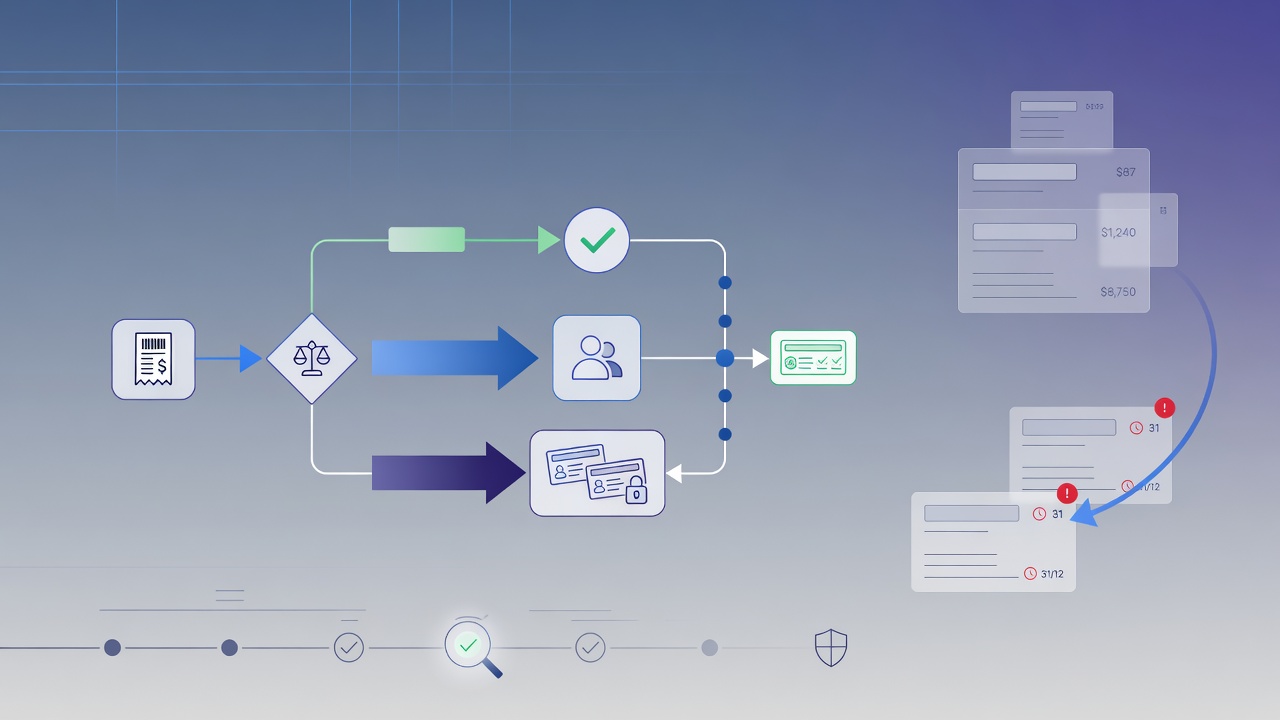
Every finance manager knows the scene: a reimbursement stuck for days because the approver is traveling, a purchase that blew the budget because no one checked the amount in time, and the recurring question at month-close — “was this even approved, and by whom?”. Each episode seems minor, but together they create delays, rework, and, in the worst case, expenses that slipped through without proper control.
The root cause is almost always the same: the approval process lacks structure. It lives in email, Slack, and the memory of whoever participated in the decision. This article shows how to design an expense approval workflow that is fast in daily use, proportional to each spend amount, and fully auditable when an auditor, client, or the board asks for proof.
What is an expense approval workflow
An approval workflow is the sequence of steps a spend request follows before it is authorized or rejected. Instead of “send it to the manager and hope,” every request follows a defined path: who decides, in what order, with what deadline, and what happens when no one responds.
In the corporate expense context, this covers everything from travel reimbursements to annual contract purchase orders. The goal is not to add bureaucracy — it is to ensure every expense is reviewed by the right people, within the correct limits, with a record of what was decided. It is the difference between “I think it was approved” and “it was approved by the manager at 2:32 p.m., with this comment.”
How the flow works in practice
Consider a R$ 12,000 purchase request. The natural flow has several levels:
- The requester opens the request.
- The area manager validates the need and budget fit.
- Finance reviews the expense in full.
- Above a certain amount, the board gives final approval.
In Apruvly, each of these levels is a step. Steps are chained in sequence: the request only moves to finance after the manager approves. Each step can have one or more approvers and its own deadline.
The point that usually breaks informal flows — the approver who does not respond — is solved by escalation. If the manager does not decide within the step deadline, Apruvly automatically notifies the next level (the VP, for example); if the CFO delays, the CEO is notified. Nothing stays stuck in one person’s inbox just because they are on vacation.
Every decision is recorded in an audit trail: who approved, when, through which channel, from which IP, and with which comment. This record stays linked to the request and can be queried or exported later. When the request is approved, a signed webhook can trigger the entry in your accounts payable or ERP — the decision is not isolated in a single screen.
The three workflow formats (and how each exists in Apruvly)
Market material usually refers to three workflow types. Here is how each translates into concrete mechanics:
| Format | What it is | How to build it in Apruvly |
|---|---|---|
| Sequential | One stage starts only when the previous one finishes | Steps chained in sequence — the default path |
| Parallel / consensus | Multiple approvers evaluate at the same time | A step with quorum (minApprovals): define how many “yes” votes are required |
| Conditional | The next stage depends on the outcome | Branching: each step points to one path for approved and another for rejected |
In practice, most expense workflows combine all three: a sequential chain (manager → finance → board), a consensus step when two areas must agree, and branching to handle rejection differently from the happy path.
Concrete benefits
Structuring expense approvals typically delivers, in the order the gains appear:
- Real agility. The flow moves automatically from one step to the next and escalates when blocked. The gain is not just “fewer clicks” — it eliminates waiting for someone who forgot the email.
- Transparency and compliance. Every expense carries a record of who approved and when. When the auditor asks for the last 90 days, the answer is an export, not archaeology in Slack.
- Less fraud and error. Mandatory review at the right levels plus IP and timestamp logging catches inflated invoices or duplicate reimbursements before payment.
- Financial control. Tracking every request from submission to final decision provides cash visibility and flags overruns before they become month-end surprises.
- Scale. The same design works for an R$ 80 reimbursement and an R$ 800,000 contract — only the number of steps changes, not the tool.
How to design your flow
Six decisions solve most of the design:
- Define the objective. What problem does the workflow solve? “Ensure every reimbursement above X goes through finance” is an objective. “Organize expenses” is not.
- Map the approvers. Who decides at each level — manager, finance, board — and at what point each one enters. Every approver must know exactly when they will be triggered.
- Set value-based criteria. Which range the area manager can approve alone and from which amount finance and the board become involved. This is where value-based routing lives (see below).
- Add deadlines. Every step has a deadline. Without it the flow drags; with escalation, the deadline stops being a promise and becomes a rule.
- Automate. Instead of manually forwarding emails, let the engine notify the right approver in the channel they already use — email, Slack, Microsoft Teams, WhatsApp, or Telegram — and advance the flow. In Apruvly this is a
POST /api/v1/workflow/call or a few clicks in the designer at/workflow/designer. - Monitor and adjust. See where requests get stuck and refine the number of steps or deadlines. A good workflow is one you revisit periodically, not one that freezes after the first draft.
Value-based routing without creating bottlenecks
The rule “the larger the spend, the more people approve” is the heart of any expense policy. In Apruvly it is not a magic “limit” field: it is the workflow design itself. The application calculates, at request creation, how many approval levels that amount requires and builds the corresponding steps — one level for R$ 500, three levels for R$ 50,000.
The risk of value-based routing is the opposite of fraud: a large expense that stalls waiting for a director. Escalation prevents exactly that. Every step has its deadline and fallback, so the purchase request never stays trapped in an out-of-office inbox. “Approval proportional to value” and “month-end without bottlenecks” stop being conflicting goals.
Frequently asked questions
How do I define approval levels? Start with the org chart of who can authorize spend and the value bands for each person. Translate that into sequential steps, from the most operational to the highest level. Add a step only when it changes who decides — too many levels create the same friction you are trying to remove.
How do I keep the process fast? Short deadlines per step plus active escalation. Tell approvers the expected turnaround and requesters the expected response time — much of the delay comes from misaligned expectations, not from the system.
How do I reduce fraud and error? Make review mandatory at the right levels, record every decision with author, timestamp, and comment, and use the audit trail as the single source of truth. Altered invoices and duplicate reimbursements depend on “no one looking” — a structured workflow removes that “no one.”
Getting started with Apruvly
The Free plan offers 180 credits per month, no credit card required. You can model a real expense workflow — with one approval step and escalation — and see the audit trail working before moving to multi-level (Starter plan, $19/month; consolidated audit export on Business, $149/month).
Create your account at apruvly.io, generate an API key at /api-keys, and design your first workflow via the API or the designer at /workflow/designer.